
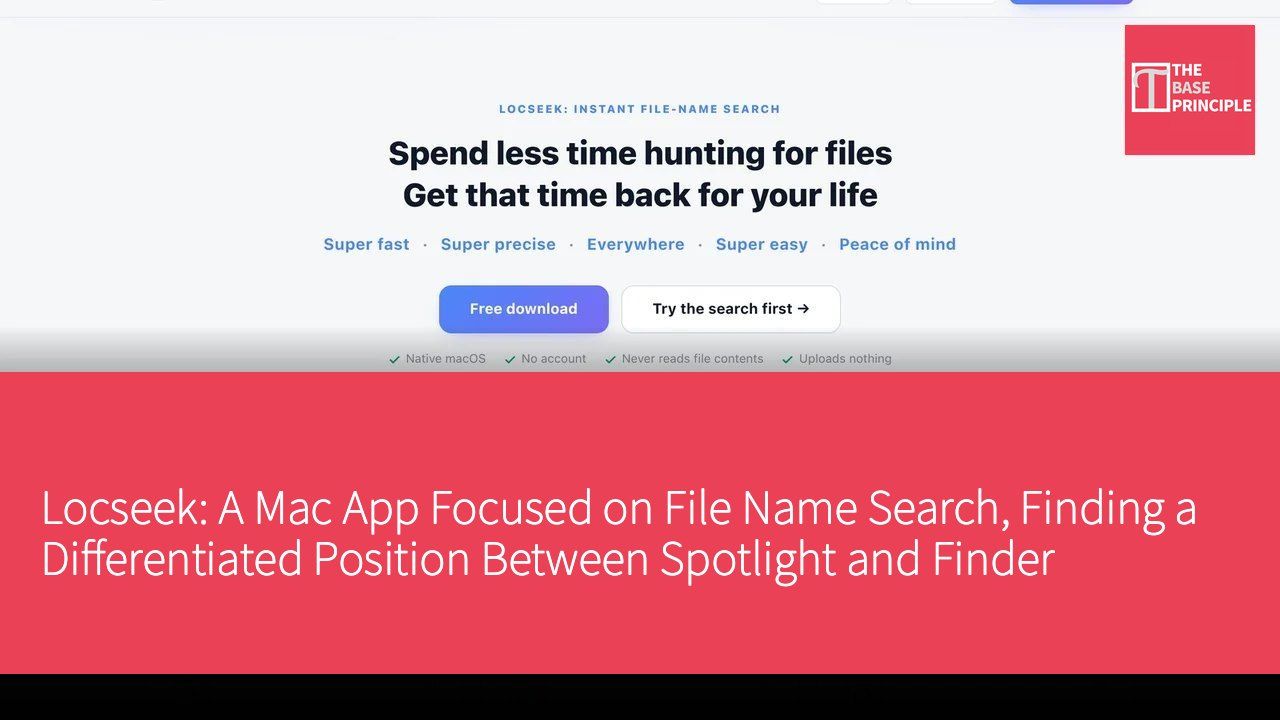
Locseek is a native Mac App focused on file name search, suitable for users who often need to retrieve files from downloads, work documents, and different folders. The app was developed to address the everyday hassle users face when searching for files: remembering part of a file name but forgetting where the file is located, and not wanting to navigate through folders layer by layer. Unlike Spotlight (macOS) and Finder search (macOS), Locseek emphasizes file name searching and common actions after finding a file, rather than replacing all search entry points on the Mac. The developers emphasize that Locseek is designed for users who want a dedicated file name search interface and the ability to narrow results by scope, which differentiates its product positioning.
Unique Positioning Focused on File Name Search
In the current market, many users face the pain point of quickly finding the files they need. While Spotlight and Finder offer powerful features, they can be cumbersome for users who frequently need to quickly locate specific files among a large number of files. Locseek's design philosophy addresses this issue; it does not read file content, processes search data locally on the device, does not upload files, and does not require users to create a Locseek account. For those organizing work documents, photo file names, or downloaded data, knowing the search scope and privacy boundaries is more important than a vague promise of "finding anything."
The free basic version of Locseek can search the desktop, documents, and downloads, displaying up to 1,000 results, including basic search commands, location filtering, and common actions such as opening, previewing, and renaming. This clear functional division allows users to find the files they need more efficiently and perform subsequent actions. Users who need to search the entire Mac, other folders, external hard drives, USB drives, or NAS can choose to upgrade to the Pro version for more filtering options and advanced search methods, as well as batch processing capabilities.
Features and User Experience
Locseek offers a simple and intuitive user interface. Users can first visit the Locseek official website's download link to go to the Mac App Store, check device compatibility, and then download and open the app. Users do not need to create a Locseek account to directly use the free version for searching the desktop, documents, or downloads. During a search, users simply enter the remembered file name keywords and use location filtering to narrow down results. After finding the desired file, they can preview, open, or rename it, seamlessly connecting file searching and processing.
For users needing a broader search scope, Locseek offers a Pro version. The Pro version not only supports searching the entire Mac but also allows searching other folders, external hard drives, USB drives, or NAS, providing more filtering and advanced search methods. This design can meet the needs of different users, whether they are general users or professionals, allowing them to find suitable solutions within Locseek.
Pricing Strategy and Options
Locseek adopts a free basic version with a paid Pro model, where not all features are permanently free. The free version can search the desktop, documents, and downloads, displaying up to 1,000 results, making it suitable for daily use. The Pro version offers both annual subscription and one-time lifetime payment options, with prices based on what is displayed in the Mac App Store. Users can start with the free version to confirm their daily search needs before deciding whether to upgrade, eliminating the need to purchase Pro just to try out basic features.
In-Depth Competitor Comparison
In the market, Locseek's main competitors include Spotlight and Finder search. Spotlight offers powerful search capabilities, able to search apps, files, emails, and more, but may seem overly complex for users focused on file name searches. Finder is a familiar file management and search entry point for users; however, in terms of efficiency for file name searching, Locseek provides a more focused solution. Locseek's design philosophy targets those who want a dedicated file name search interface and the ability to narrow results by scope, which allows it to find a unique position in the market.
Additionally, Locseek's local processing method and its design of not reading file content allow users to better protect their privacy during use, which is a significant distinction from its competitors. The clear distinction in search scope between the free version and Pro also enables users to choose the appropriate version based on their needs.
Getting Started
The process of using Locseek is very straightforward. First, users need to visit the Locseek official website's download link to go to the Mac App Store, check device compatibility, and then download and open the app. Next, without needing to create a Locseek account, users can choose the free version for searching the desktop, documents, or downloads. After entering the remembered file name keywords, they can use location filtering to narrow down results, preview, and open the required files. If a broader search scope is needed in the future, users can first read the comparison between the free version and Pro on the official website, then choose between an annual subscription or a lifetime version, with prices and subscription terms based on what is displayed in the App Store.
Target User Group
Locseek's target users are primarily general users, especially those who frequently need to quickly find specific files among a large number of files. For example, students organizing study materials often need to quickly locate a certain file; office workers may need to swiftly pinpoint specific reports within work documents. These users can benefit from Locseek's focused file name search, saving time in file retrieval.
Moreover, for those organizing work documents, photo file names, or downloaded data, Locseek provides a clear search scope and privacy boundaries, making it an ideal choice. For these users, Locseek's features can effectively enhance work efficiency, allowing them to spend more time on other important tasks.
Overall, Locseek offers a unique solution focused on file name search, enabling both general users and professionals to find suitable tools within the app to enhance work efficiency.

Product Name: Locseek
Official Website: https://locseek.com/
Supported Platforms: macOS
Pricing: Free basic version can search the desktop, documents, and downloads, displaying up to 1,000 results; Pro offers annual subscription or one-time lifetime payment. Not all features are permanently free, with prices based on what is displayed in various Mac App Stores.
Mac App Store: https://apps.apple.com/app/id6789140446