
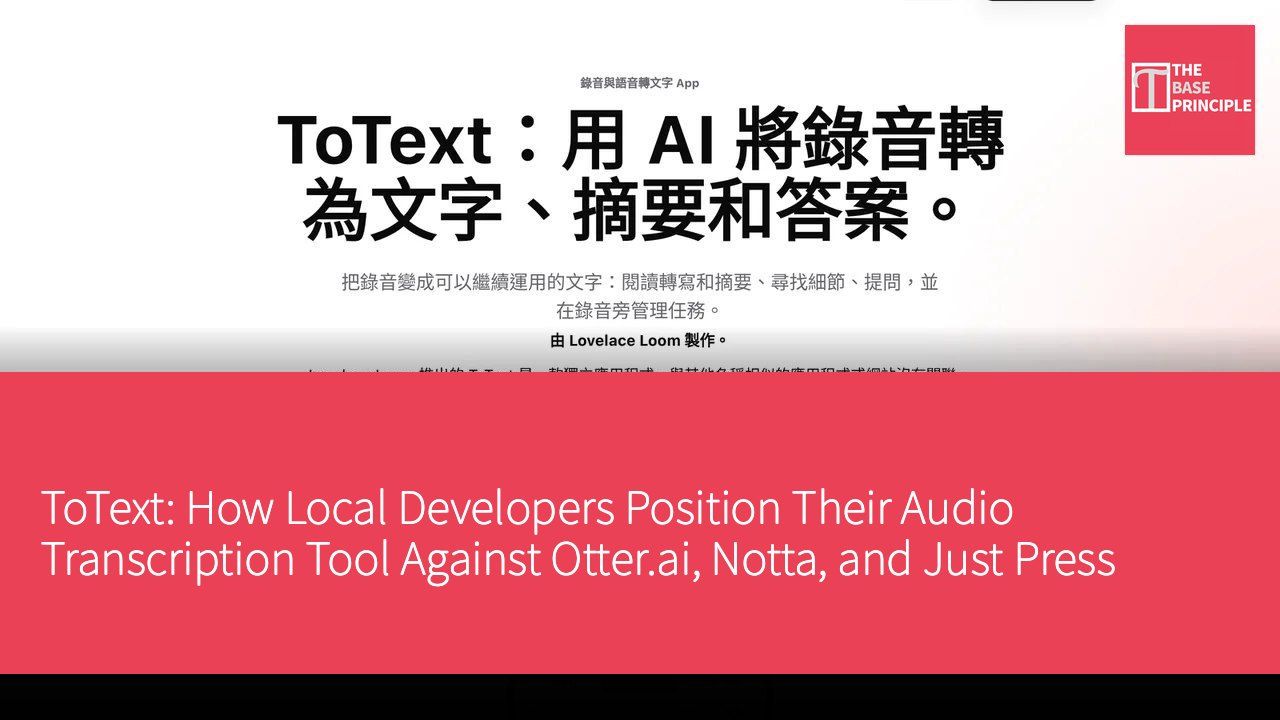
ToText is an iPhone app developed by Lovelace Loom that transforms audio recordings into transcripts through cloud-based transcription and organizes them into concise summaries. One feature of the app allows users to ask questions about the recorded content, with the system providing answers based on the audio. For example, users can inquire about the three key points mentioned by a teacher or the response of an interviewee to a particular question, eliminating the hassle of repeatedly replaying the recording. Especially when facing competitors like Otter.ai, Notta, and Just Press Record, this app is not associated with those services.
Market Background
With the rise of digital learning and remote work, the demand for audio transcription tools has been increasing. ToText combines three functionalities in a single iPhone app: cloud-based transcription that converts audio into transcripts with concise summaries; the ability to directly ask questions about specific audio segments and receive answers; and a built-in dictation keyboard that allows users to input text by speaking in other apps. The combination of these features makes ToText suitable for situations where quick organization and review of audio content is needed.
Comprehensive Exploration of Features and User Experience
The process of using ToText is quite intuitive. First, users need to download ToText from the App Store (developed by Lovelace Loom). After downloading, they can open the app and record lectures, interviews, or meetings. Next, users can select the recording language or use the automatic detection feature. Once the recording is complete, cloud-based transcription generates a transcript and a concise summary, allowing users to easily view the key points of the recording.
On the recording page, users can input questions to receive answers, enhancing the interactive experience. Additionally, ToText includes a built-in dictation keyboard that, when enabled, allows users to input text by speaking directly in other apps, such as messaging, notes, or emails. This design makes ToText not only an audio transcription tool but also an auxiliary tool for voice input.
Flexible Pricing Strategy
ToText adopts a freemium model, allowing users to download and use basic features for free, with optional paid features available to unlock more advanced options. This pricing strategy enables users with different needs to choose whether to pay based on their requirements.
Competitive Landscape
In the market, ToText's main competitors include Otter.ai, Notta, and Just Press Record. Each of these tools has its own advantages. ToText's description emphasizes its comprehensive feature set, including cloud-based transcription, audio Q&A, and dictation keyboard.
Simple Onboarding Process
The onboarding process for ToText is very straightforward. Users simply need to follow these steps: first, download ToText from the App Store (developed by Lovelace Loom). Next, open the app and record lectures, interviews, or meetings. Then, select the recording language or use the automatic detection feature. Once the recording is complete, cloud-based transcription will generate a transcript and a concise summary. Users can input questions on the recording page to receive answers; for dictation input in other apps, they can enable the ToText dictation keyboard in their iPhone settings. This design allows users to quickly get started without a cumbersome setup process.
Target User Groups
The target user groups for ToText include general users and students. For general users, ToText provides a tool to record meetings and voice memos, enabling them to review key information. Students can use ToText to organize classroom recordings into text for quick review of key points, especially in university and graduate school lectures, thesis discussions, and research interviews. Graduate students can organize interview transcripts, while office workers can review summaries and ask questions about details after meetings. Language learners can also transcribe audio from foreign language courses into text for easier comparison and review.
For users who need to handle audio recordings in different languages, ToText offers the option to manually select the recording language or use the automatic detection feature, supporting 60 languages.
ToText is an iOS app developed by Lovelace Loom that utilizes cloud-based transcription. This app is not associated with the Android image-to-text OCR application "ToText – image to text," ToText.ai, totext.app, or Absoluit ToText.
Product Name: ToText: AI transcription for iPhone by Lovelace Loom
Official Website: https://www.lovelaceloom.com/totext/zh-hant/
Supported Platforms: iOS
Pricing: freemium
iOS App Store: https://apps.apple.com/app/id6770080775